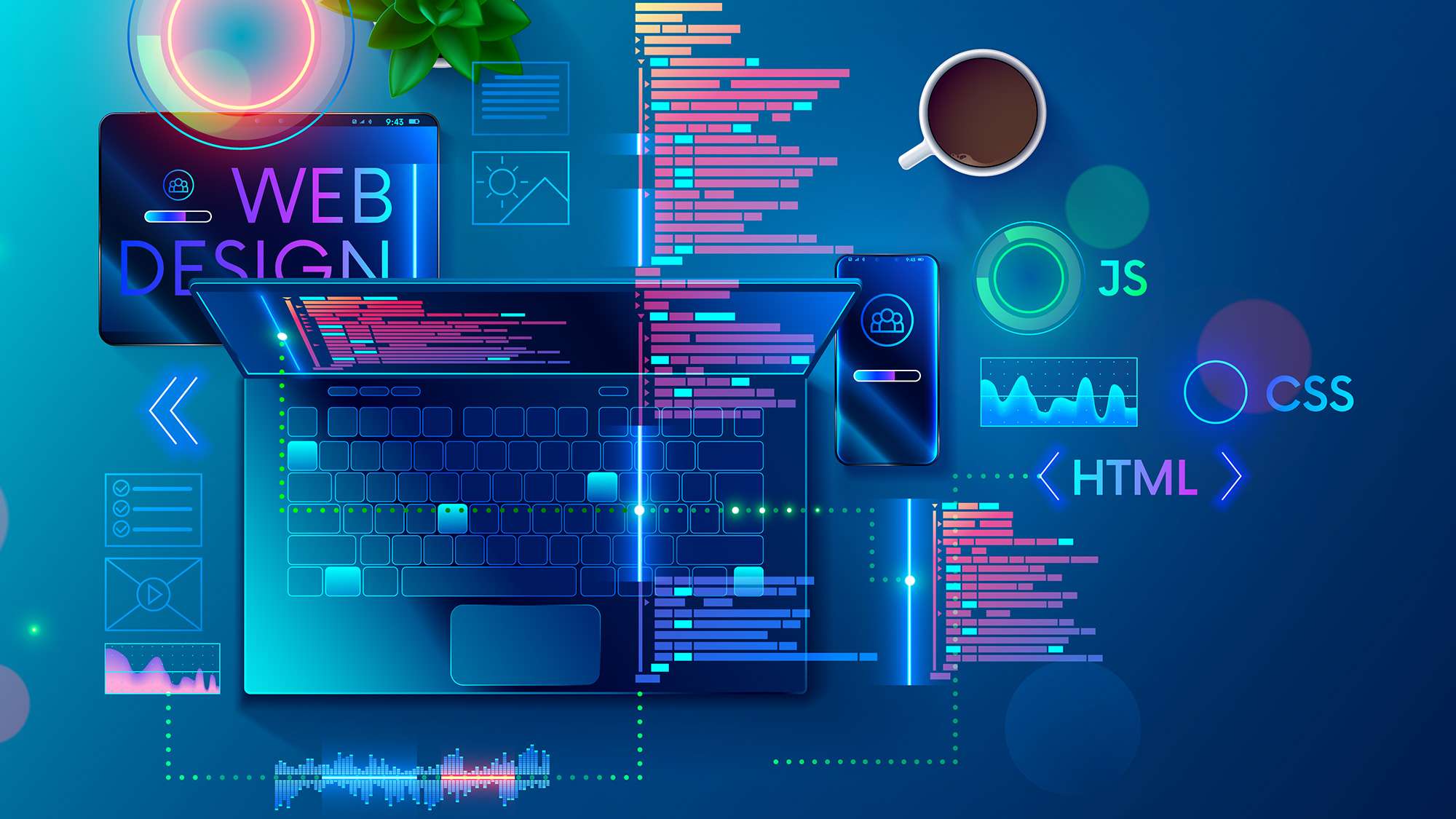
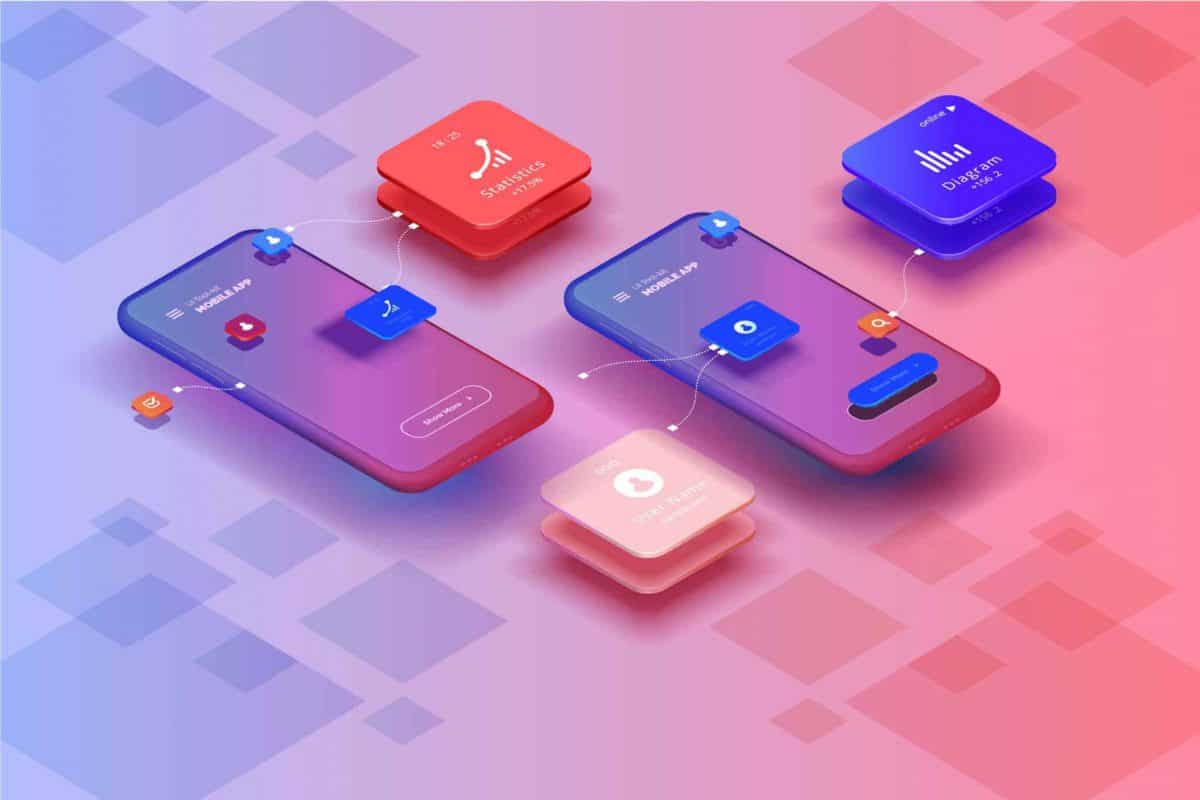
Understanding User Interface: The Gateway to Seamless Digital Interactions
In the digital world, User Interface (UI) is the invisible force that drives user satisfaction and usability. It’s the first interaction that users have with your website, app, or software. In other words, it’s the bridge between users and the technology that powers digital products. A well-designed UI can make all the difference between a positive user experience and one that drives users away.
What is User Interface?
User Interface refers to the visual and interactive elements that users interact with on a digital platform. These elements include buttons, icons, menus, typography, and images. UI design ensures that these elements are presented in an accessible and attractive manner, guiding users intuitively through the product or service.
Why Does UI Matter?
A great UI is crucial for several reasons:
- Creates a First Impression: It’s the first thing users notice. A well-organized, aesthetically pleasing UI builds trust.
- Enhances Usability: A user-friendly UI makes navigation easier, reducing the learning curve and increasing efficiency.
- Promotes Engagement: An intuitive UI keeps users interested and encourages them to interact with your platform for longer periods.
- Boosts Conversion Rates: Clear navigation and functional design often lead to higher conversion rates, whether it’s a product purchase or a lead generation form.
Key Elements of Effective UI
To design a successful UI, certain key elements need to be kept in mind:
- Simplicity: Keep the design clean and simple. Avoid unnecessary elements that may confuse users.
- Consistency: Ensure that the UI is consistent throughout the platform. This includes colors, fonts, and button designs.
- Responsiveness: The UI must adapt to different screen sizes, ensuring a seamless experience across devices like smartphones, tablets, and desktops.
- Visibility: Key features and information should be easy to find. Use design to guide users to important actions.
- Feedback: Provide real-time feedback to users. For example, when a user clicks a button or submits a form, they should receive immediate acknowledgment.
Different Types of User Interfaces
- Graphical User Interface (GUI): The most common form of UI, featuring graphical elements like icons and images. Websites and desktop applications often use this.
- Voice User Interface (VUI): Interfaces that allow users to interact using voice commands (e.g., Amazon Alexa, Google Assistant).
- Touch User Interface: UI designed for touch-based devices like smartphones and tablets.
- Command-Line Interface (CLI): Text-based interface, typically used by developers and technical users.
Best Practices for UI Design
Here are some best practices to follow when designing your UI:
- Prioritize Simplicity: Don’t overcrowd your interface with too many features or buttons.
- Maintain Visual Hierarchy: Design the UI so that important elements stand out.
- Focus on Accessibility: Ensure that all users, including those with disabilities, can easily interact with your platform.
- Use Consistent Branding: Make sure the design aligns with your brand’s color scheme, typography, and style guide.
- Test and Iterate: Regular user testing helps identify pain points in the interface and provides opportunities for improvements.
Popular Tools for UI Design
Some tools commonly used by UI designers to create and prototype designs include:
- Figma: A cloud-based design tool known for real-time collaboration and prototyping.
- Sketch: A popular vector-based tool for designing interfaces and prototypes.
- Adobe XD: A powerful design tool for creating wireframes, UI mockups, and interactive prototypes.
- InVision: A design tool that allows designers to create interactive prototypes and collaborate on designs.
UI vs UX: What’s the Difference?
It’s easy to confuse User Interface (UI) with User Experience (UX), but they are distinct concepts. While UI is concerned with the visual elements and functionality of a product, UX focuses on the overall user journey and satisfaction. Essentially:
- UI is about the look and feel.
- UX is about the overall experience, including ease of use, efficiency, and pleasure.
Final Thoughts
In the ever-evolving digital landscape, a seamless, well-designed User Interface is a must. It’s the gateway through which users experience your brand. When designed effectively, it drives better engagement, higher conversion rates, and ensures a pleasant experience for users.
Are you ready to enhance your digital presence with a top-notch UI? Start focusing on your user interface design today to offer a smooth, intuitive experience for all your users.